What · Technology · Search

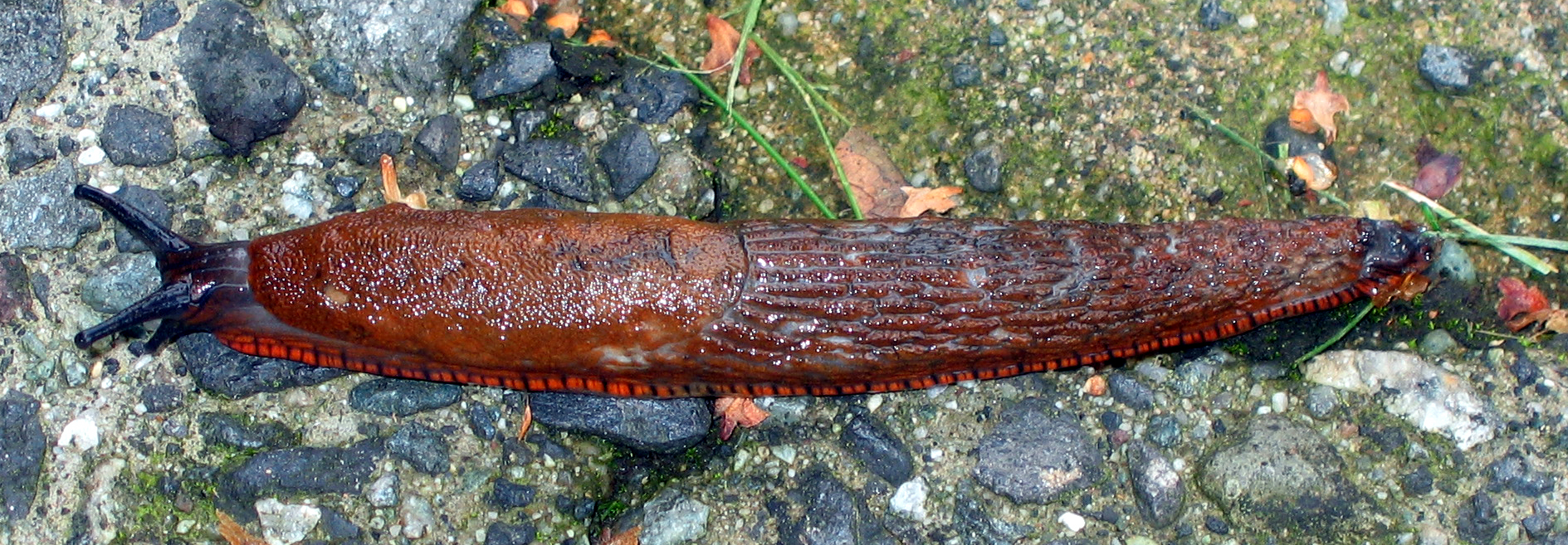
alt and title attributes. This is good accessibility practice and should also make it possible for search engines to find my pictures. But they can’t. The image here, which is in a file whose name, unhelpfully, is IMGP0990.png, is correctly labeled in both title and alt attributes as “Sunlit cherry tomatoes on white-painted wood.” I just now visited John Battelle’s helpful list of search engines and lots of them offered “image search” capabilities, but not one turned that picture up when I searched for “sunlit cherry tomatoes”. (Lots of them turn the page up when you do an ordinary text search.) How hard can it be? I hereby promise that when I find a credible general-purpose Web Image Search tool that leads me to that picture via “sunlit cherry tomatoes”, I will publish a rave review here and do my best to spread the word.O(N·log(N)) sort on a result list. [Update: Experimental verification.] ...IMG_2663.jpg. But, I’m careful to always supply an appropriate alt text, like so: <img alt='Vancouver slug' src='IMG_2663.png' />. It turns out that Google pretty much ignores the alt text, which is irritating, so you’ll find my roses and prairiescapes and Foo Campers in Google only with a lot of effort. What’s really weird is that Google does put a lot of weight on the actual file-name. The reason I noticed this is that in any given week, the most popular image on ongoing is the picture of Diablo found here, apparently because it’s in a file called diablo.jpg. But you know, there are lots of pictures of Diablo out there, and not that many of the chapels at Brussels Airport. So, Google could do a lot better here. [Note: I’m talking about Google image search here, not regular search. It’s still broken.]&apos; properly for reasons I couldn’t figure out, so I skated around that.